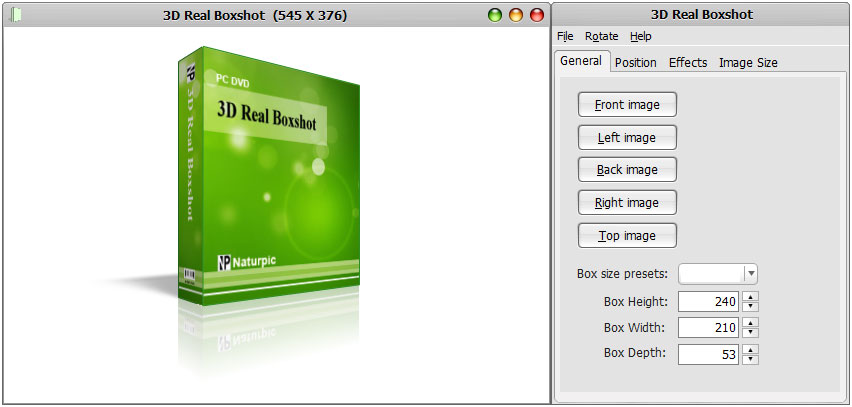
3D Real Boxshot is a 'What You See Is What You Get' tool to
create quality boxshot for your product. You can easily rotate and
zoom the box in real-time, which helps make the boxshot better. The
"Auto rotation" function is able to help you see the whole boxshot
from all sides. Some people will not buy anything that they can not
see - a quality boxshot is able to help them make decision. To hire
a professional designer to create 3D boxshot for your products may
costs hundreds of dollars. To save your precious time and money, let
3D Real Boxshot do it for you! Simply load your artwork into this
program and you'll have the perfect boxshot immediately.
3D Real Boxshot is able to import BMP, GIF, JPG, PNG, TGA, TIF, EMF,
WMF and WBMP files and is able to save output to BMP, GIF, JPG, PNG,
TGA, TIF, EMF and WBMP formats. And it is able to save the animation
as AVI file.
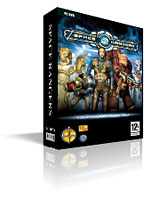
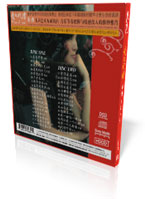
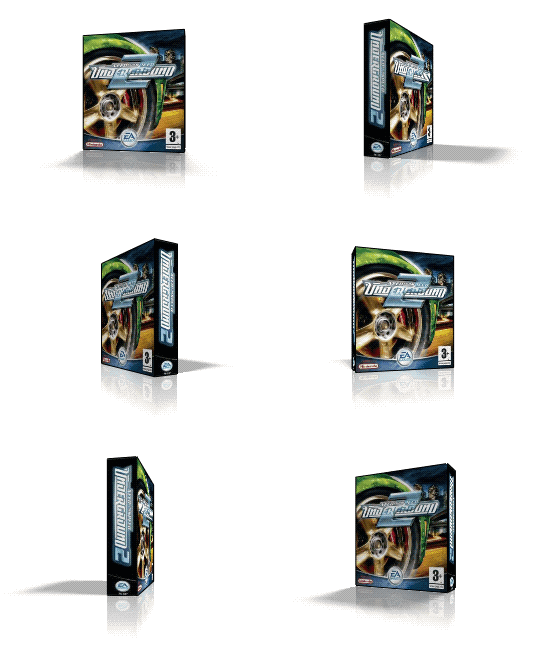
Boxshot Samples:
Features:
- The "Auto position" function is able to put the camera
to the best place immediately. You can not find other boxshot
software that does the same.
- The "Auto rotation" function helps you to see the
whole boxshot from all sides as the camera moves around it.
- Real-time 3D Editing.
- Ability to import BMP, GIF, JPG, PNG, TGA, TIF, EMF, WMF
and WBMP files as a box side.
- Ability to save output to BMP, GIF, JPG, PNG, TGA, TIF,
EMF and WBMP formats.
- Ability to save the animation as AVI file.
- Ability to resize the width, height and depth of the box.
- Ability to change the position of the camera.
- Ability to show wireframe with customizable width and color.
- Ability to set the background color.
- Ability to show / hide the shadow and the reflection.
- Ability to set the length of the shadow and the opacity of the
shadow.
- Ability to set global illumination.
Minimum requirements:
1) Windows 95/98/ME or Windows NT 4.0/2000/XP/2003/Vista.
2) About 2 Meg of disk space.
Limitation of the unregistered version: Watermark.
Awards:
|