How to Convert Digital Audio Files Step by Step Photo Tutorial
There are so many types of audio files out there that it's all too easy to end up with the wrong one. Maybe you converted your CD collection to WAV or WMA and now want to convert the songs to a MP3 or OGG. Or maybe you purchased songs in a copy-protected format and need to convert them to MP3 so they'll work in your portable player.
Fortunately, any audio that you can hear on your computer can be converted to another format.
-
- Step 1
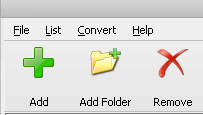
Run Small WMA MP3 Converter, click the "Add files" or "Add folder" button to add one or more audio files that you want to convert. You may also use Drag and Drop to add audio files.
-
- Step 2
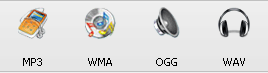
Click the WMA, MP3, OGG or WAV button to select the output format.
-
- Step 3
Click the Convert button now. After a few seconds you will get the converted audio files!
If the audio files are copy-protected, Small WMA MP3 Converter may not be able to open them. You may use Hotkey Sound Recorder or All2WAV Recorder to record them to MP3, Ogg, WMA or WAV format.